
The 7 streams project
( add to your parcel or virtual space or listen online )
Radio updates
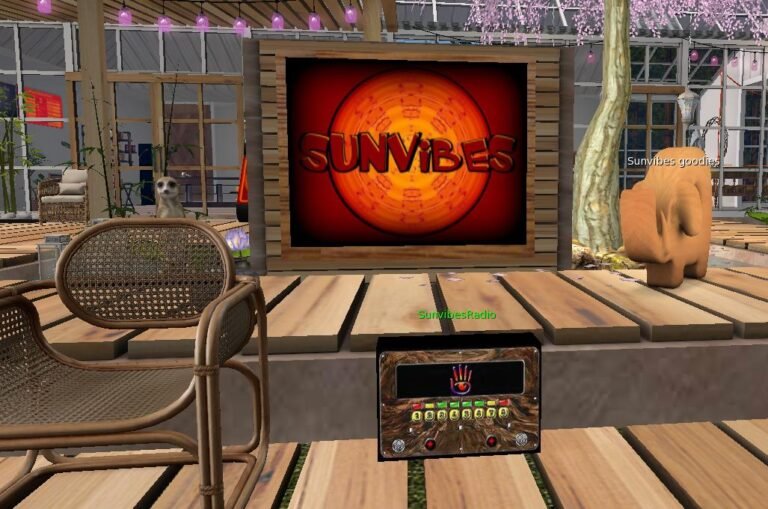
Second LifeRadio Update
Sunvibes Radio object available to copy
TAKE COPY of this radio object and rez it on your parcel/sim ( you must be owner ). Click it and choose Sunvibes radio stream. Please note that once you have this...
Visit LocationStream info
The Sunvibes streams can be used as background music in your Second Life or OpenSim home, parcel, shop, garden, meditation space, event area, or community venue.
Each stream has its own direct stream URL.
You can paste one of these URLs into your land or parcel music settings so visitors hear the music when they arrive.
Add stream to "About land"
- Copy the stream URL you would like to use.
- Go to your land or parcel in Second Life.
- Open About Land.
- Go to the Sound tab.
- Paste the stream URL into the Music URL field.
- Click close or save, then press play on your viewer’s music controls.
Visitors who have music enabled in their viewer will be able to hear the stream while they are on your parcel.
Listen online
You can also open any stream directly in your browser or media player. Click a stream button, or copy the stream URL into a player such as VLC, Winamp, or another internet radio player.
Listen using a player like VLC
You can also open your VLC player and choose the option "Open Network stream".